PG owner guide
An empty bed. A new tenant, sooner.
How to get tenants for your PG faster: a listing that answers every question, photos that get enquiries and replies that arrive while tenants are still choosing.
Every feature free for your first 90 days.
Global possibilities.
- Complete room options
- Photos that get enquiries
- Quick replies
Get tenants for your PG faster
Six steps to fill PG beds.
To get tenants for your PG faster, make the listing answer the questions tenants ask before they enquire: which rooms are free, what each costs, what the rent includes and where the PG is. Then reply quickly to every enquiry.
Fill PG beds with a complete listing
Fill PG beds by listing every room option separately: single, double or triple sharing, each with its own rent, deposit, bills and the date it is free. Say whether food, electricity, Wi-Fi and laundry are included, so tenants can compare before they enquire.
PG photos that get enquiries
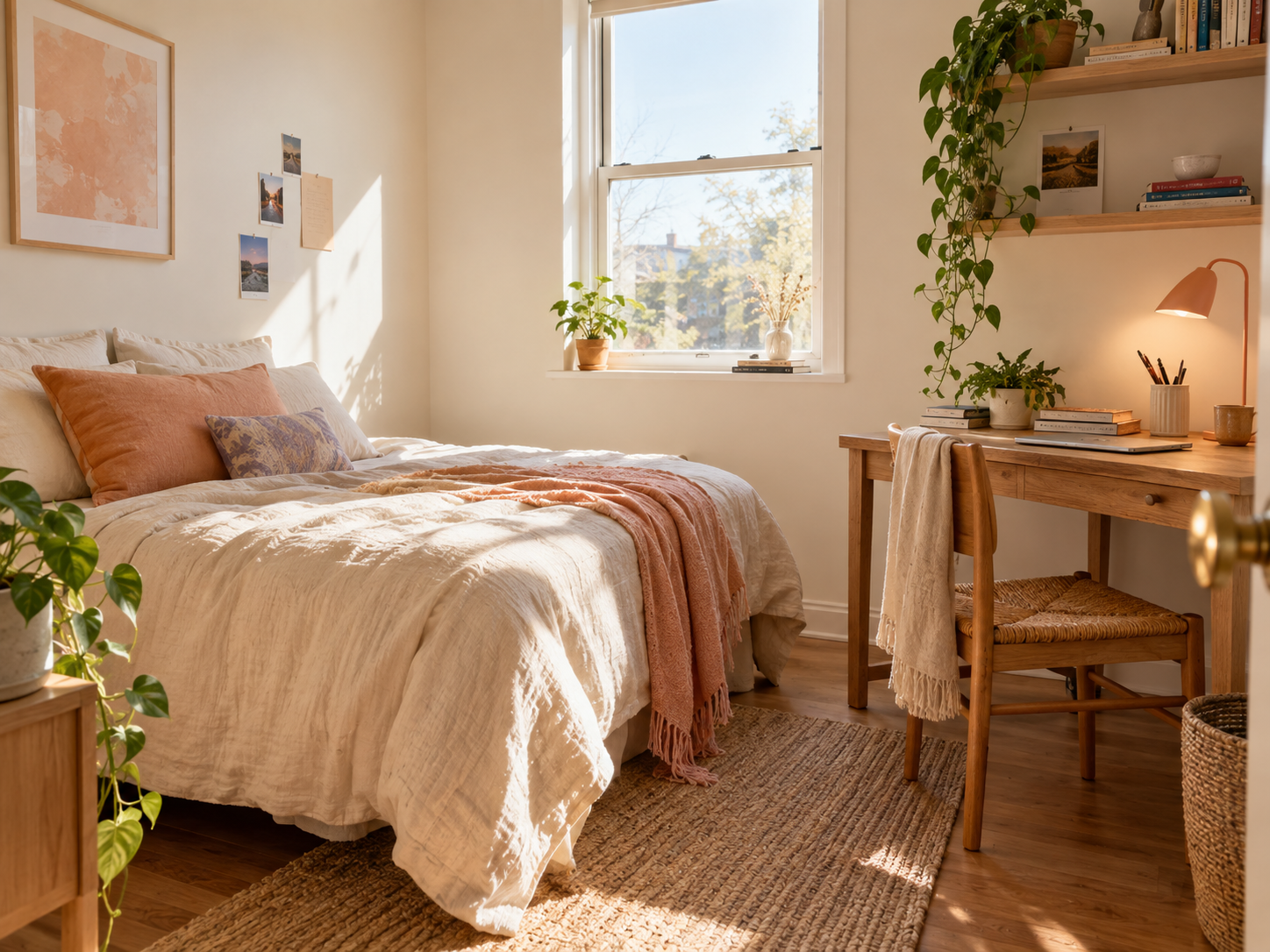
PG photos that get enquiries show each room type, the bathroom, the dining or kitchen area, the common spaces and the entrance, in daylight. Easycoliv resizes your photos, removes their location data and turns away near-duplicates, so each photo shows something new.
Place the pin where tenants search
Tenants search Easycoliv by city and neighbourhood. Search for the neighbourhood or a nearby landmark, such as a college or a business park, to place the map pin, so the PG appears in the area tenants look in.
Reply to PG enquiries within the hour if you can
Reply to PG enquiries as soon as you can: a tenant who enquires is often comparing several PGs. Each enquiry reaches your lead inbox with an email alert, and your listings show the share of enquiries your business answers within 24 hours.
Keep availability current
Update room availability when a bed is taken or freed. Easycoliv reminds you to confirm availability and pauses a listing that has not been confirmed for 45 days, so tenants only see beds that are free.
More PG listing tips: earn trust
Among PG listing tips, trust comes first. Verify your business with a PAN or GSTIN to earn the Verified badge, add house rules, and reply in public to reviews from residents who stayed with you.
A little clarity
Good questions. Clear answers.
The things you might like to know before getting started.
How many photos should a PG listing have?
Enough to show every room type and every shared space a tenant will use: rooms, bathroom, dining or kitchen, common areas and the entrance. One clear photo of each beats several of the same room.
How quickly should I reply to a PG enquiry?
As soon as you can. Your Easycoliv listings show the share of enquiries your business answers within 24 hours, and a quick reply reaches the tenant while they are still deciding.
Does it cost anything to list a PG on Easycoliv?
You can list a PG for free: the Free plan covers 1 active listing with up to 10 beds, and the first business on a new account gets every feature free for 90 days.
Operator benefits
Make more room for your business.
Discover the tools to showcase your spaces, manage enquiries and work with your team. Start with every feature free for 90 days on your first business.
Explore operator benefitsKeep exploring